If your first step is opening Figma, you might already be slowing yourself down. If you’re trying to design an app without Figma, you’re not cutting corners. You’re choosing speed.
Many people delay building because they think they need polished designs first. In reality, most early apps fail not because of bad UI, but because they never reach a usable screen.
You can design an app without Figma by designing directly inside an app builder. Especially early on, real screens beat perfect mockups.
Quick Summary
- You don’t need Figma to start designing an app
- Early app design should focus on flow, not polish
- Designing directly in an app builder reduces friction
- Real screens reveal problems faster than wireframes
Why design tools slow down early app ideas
The hidden cost of “just opening Figma.”
Figma is powerful. It’s also heavy.
For early ideas, design tools introduce friction:
- Blank canvases feel intimidating
- You design states you may never build
- You optimize visuals before validating flow
Most first-time builders aren’t blocked by creativity. They’re blocked by decision overload.
The result? Weeks of “designing” and no working app.
When Figma actually helps
Figma shines later.
It’s great when:
- You already know the core flows
- You’re refining your brand and visual systems
- You’re collaborating with a design team
But for your first version, Figma is optional. What you need first is interaction, not perfection.
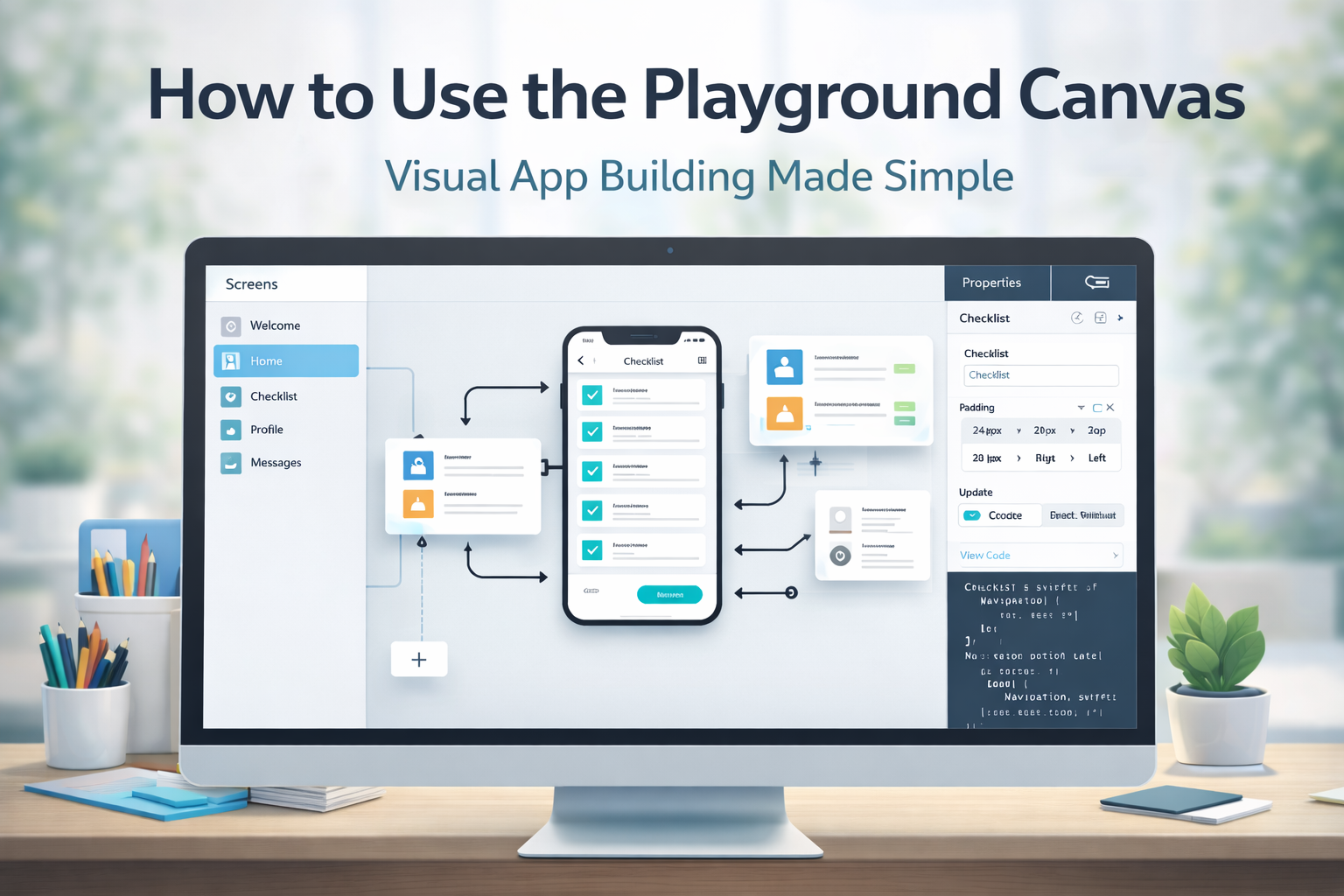
Designing directly in AppForce Studio
AppForce Studio lets you design while you build.
You’re not drawing rectangles. You’re creating real screens that already behave like an app.
This is where designing an app without Figma becomes practical, not theoretical.
Prompt-to-App as a design shortcut
With Prompt-to-App, you describe what the screen should do.
Example:
“Create a simple habit tracker with a home screen, add habit flow, and weekly summary.”
You immediately see layout, navigation, and structure. That’s design.
You’re making decisions with feedback, not guesses.
Screenshot-to-App for visual thinkers
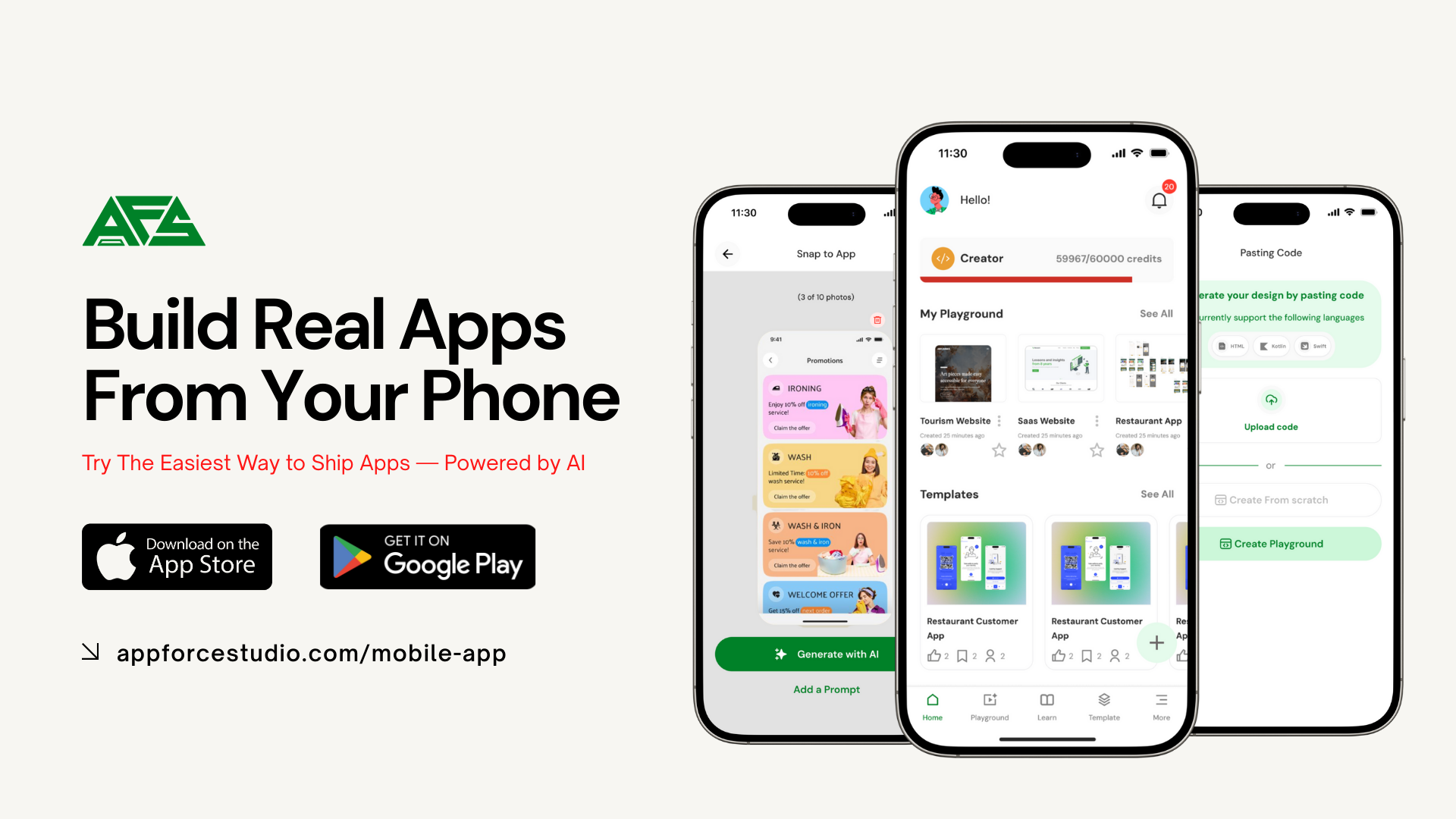
If you already have inspiration, use Snap-to-App/Image to App
- Screenshot or take a picture of an app screen you like
- Upload it
- AFS turns it into editable screens
This skips wireframes entirely. You start from something concrete and adjust from there.
Web vs mobile design workflows
Designing directly works on both, but the mindset changes slightly.
On mobile:
- Smaller screens force clarity
- Navigation decisions matter sooner
- You feel UX issues immediately
On the web:
- Layout flexibility is higher
- Good for dashboards and tools
- Easier to expand later
AppForce Studio supports both, so you can start mobile-first and extend to web when the idea proves itself.
Explore the mobile experience here: https://appforcestudio.com/mobile-app
Common mistakes to avoid
Mistake 1: Designing every state upfront
You don’t need edge cases yet. Start with the happy path.
Mistake 2: Chasing visual polish too early
Spacing and colors matter later. Flow matters now.
Mistake 3: Treating design as a separate phase
Design and build should happen together early on.
Try this prompt
Open AppForceStudio and paste this into Prompt-to-App:
“Design a simple to-do app with three screens: task list, add task, and task details. Keep the UI minimal.”
You’ll have a designed, usable app in minutes. No Figma file required.
FAQs
Do professional apps really start without Figma?
Yes. Many start with rough internal builds and refine later.
Is this only for non-designers?
No. Designers often use this to validate flows before polishing visuals.
Can I still export or refine later?
Yes. You can iterate visually or layer in more detailed design work over time.
Does this work for complex apps?
It works best for early versions. Complexity can come later.
Build first, design smarter
If you’ve been stuck “designing,” try building instead.
Download the AppForce Studio mobile app and design your next app by actually using it.
https://appforcestudio.com/mobile-app
Or try it on the web and turn an idea into real screens today.
https://appforcestudio.com
Your first design doesn’t need to be pretty. It needs to exist.