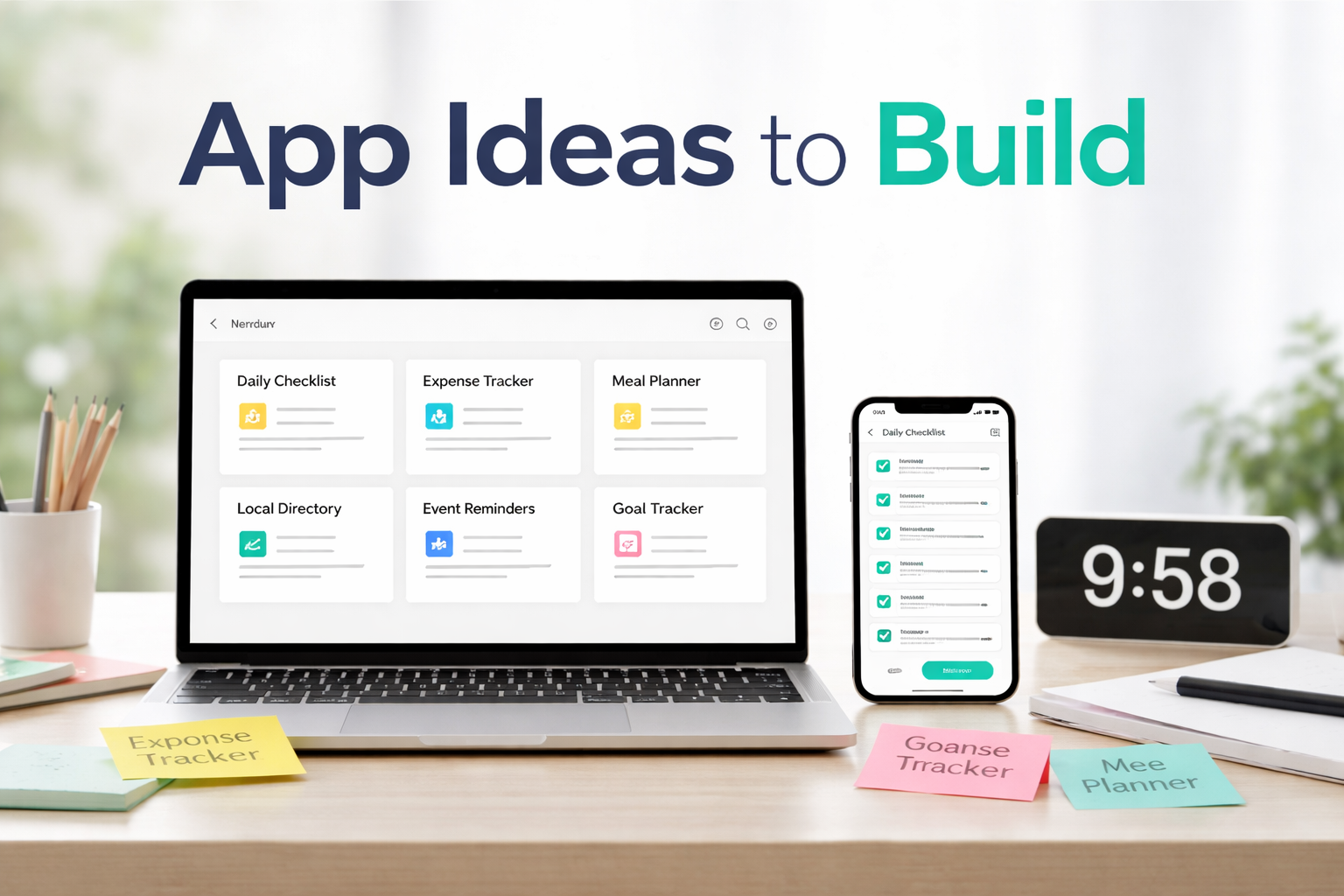
When people hear “build an app fast,” they usually assume shortcuts were taken or quality was sacrificed. That belief is one of the biggest reasons many ideas never leave the thinking stage.
Building fast does not mean rushing. It means removing unnecessary friction so you can turn an idea into something real while the motivation is still there.
This post explains what “one sitting” actually means, where people usually get stuck, and how you can move from idea to your first app screen without breaking momentum.
What “One Sitting” Really Means
“One sitting” does not mean finishing an entire app in an hour.
It means:
- You start with an idea
- You open an app builder, preferably AppForceStudio’s AI App Builder
- You create your first real screen
- You can see, click, and react to it
- Stopping when it feels real enough.
That’s It. No tool-switching. No saving ideas for “later.”
When people say they want to build an app fast, what they usually want is proof.
Proof that:
- The idea works visually.
- It’s worth continuing.
- They’re not wasting time.
That proof comes from the first screen.
Why long projects kill momentum
When projects feel big, they get postponed.
When they feel small, they get done.
One sitting works because:
- There’s no pressure to be perfect
- There’s no expectation to finish everything
- You can stop without guilt
The Simple Flow From Idea to First Screen
Here’s a practical way to approach it:
- Pick one idea
Not the best idea. Just one that’s clear enough. - Decide what the first screen needs to show
A list. A form. A dashboard. A single action. - Build only that
Ignore everything else for now.
The moment a screen exists, your idea stops being abstract.
Why Speed Builds Confidence
Speed does something planning cannot.
When you see your idea as a screen:
- The idea feels real
- Doubt reduces
- Motivation increases
- Next steps become clearer
This is why speed is the strongest early-stage signal. Not speed for the sake of it, but speed that leads to clarity.
When you can build your first screen quickly, continuing no longer feels like a gamble.
How AppForceStudio Removes Setup Friction (Web + Mobile)
AppForceStudio is designed so your first session leads to output, not confusion.
You can:
- Start with a simple prompt instead of a full specification
- Generate a usable screen immediately
- Edit visually or with AI without restarting
- Preview the same screen for web and mobile in one flow
There’s no separate “design phase” you have to survive before seeing results. The first screen is the starting point, not the reward at the end.
See the full features list for AppForceStudio’s Mobile App Builder.
Example: A One-Sitting Build Flow
Here’s what a realistic one-sitting session looks like:
- You describe the idea in plain language
- The first screen is generated
- You adjust the layout or content
- You preview the screen
- You save and step away, knowing the idea exists
You may not continue that day. That’s fine.
What matters is that the app has started. From that point on, you’re improving something real instead of imagining something abstract.
A 5-Minute Action You Can Do Now
If you have five minutes, you can start today.
Do this:
- Write one sentence describing the app idea
- Download the AppForceStudio Mobile App builder
- Using Prompt To App in AFS, turn that sentence into a single screen
Do not plan beyond that.
The goal is not progress. The goal is existence. Once the screen exists, everything else becomes easier.
Build Fast So You Can Learn Faster
The goal is not to finish everything in one sitting.
The goal is to remove the excuses that stop you from starting.
When you can go from idea to first screen quickly, learning replaces guessing. Feedback replaces fear. Momentum replaces overthinking.
If you want to build an app fast, focus on getting to the first screen, not the final product.
You can do that using AppForceStudio AI App Builder, available on the App Stores. One sitting is enough to begin.
Build Fast So You Can Learn Faster
The goal is not to finish everything in one sitting.
The goal is to remove the excuses that stop you from starting.
When you can go from idea to first screen quickly, learning replaces guessing. Feedback replaces fear. Momentum replaces overthinking.
If you want to build an app fast, focus on getting to the first screen, not the final product.
You can do that using AppForceStudio AI App Builder, available on the App Stores. One sitting is enough to begin.
A 5-Minute Action You Can Do Now
Open AppForceStudio and build a single screen.
Not a full app.
Not a final design.
Just one screen that represents your idea.
Close the app when it exists. That’s a win.
FAQs
Can I really build something meaningful in one sitting?
Yes. A first screen is meaningful because it creates momentum. Speed at the beginning helps you learn faster. Quality comes through iteration, not delay.
What if I don’t finish the app in one sitting??
That’s normal. You’re not supposed to. One sitting is about starting, not finishing.
Is this possible without coding?
Yes. You can start with prompts, inspired images, or screenshots, and refine from there.
Read: Why You Don’t Need a Dev Team to Launch Your App
Can I switch between mobile and web?
Yes. You can start on one and continue on the other anytime.
Can beginners really build an app this way?
Yes. Starting with one screen is often easier than trying to understand everything upfront.
Read this: Beginner’s Guide – How to Build an App (With or Without Code)