f you’re searching for app ideas to build, chances are you’re not stuck because of skill. You’re stuck because you don’t know what’s worth starting with. Many beginners delay building because they think their first app idea has to be big, original, or perfect.
It doesn’t.
The best app ideas to build when you’re starting out are simple, practical, and easy to execute. They help you learn by doing and give you something real to improve over time.
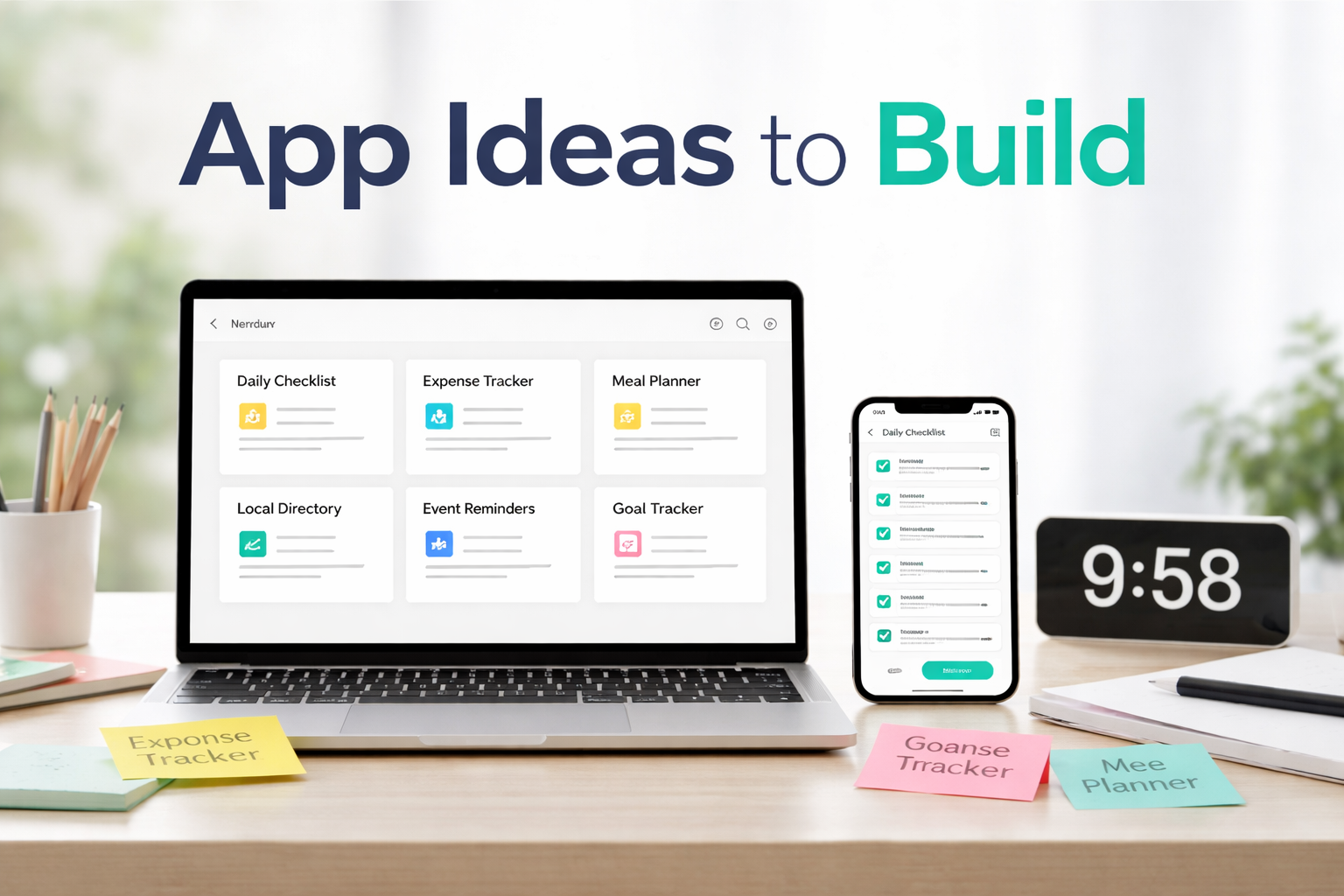
Below are seven app ideas you can build this month, even if you’ve never built an app before.
Why App Ideas Matter Less Than Execution
When people look for app ideas to build, they often overestimate how important the idea itself is.
A simple idea that gets built beats a great idea that stays in your notes app.
Execution helps you:
- Understand how apps are structured
- Learn what users actually need
- Build confidence through progress
The goal of your first app is not success or scale. The goal is learning and momentum.
1. A Simple Daily Checklist App
This is one of the best beginner app ideas.
A daily checklist app helps users track tasks they want to complete each day. Think habits, routines, or work priorities.
Why this works:
- Clear purpose
- Simple screens (list, add item, mark complete)
- Easy to improve later with reminders or streaks
It teaches core app concepts without complexity.
2. A Personal Expense Tracker
Many people want to track spending but don’t need a full finance platform.
A simple expense tracker can include:
- Daily expense input
- Category selection
- A basic summary screen
This idea helps you learn how data flows through an app and introduces simple logic without overwhelming features.
3. A Meal Planning App
Meal planning is a familiar problem, which makes it a great beginner-friendly app idea to build.
Start with:
- A weekly meal list
- Notes or ingredients
- Simple editing
This idea is practical, familiar, and easy to test.
You can later expand it into grocery lists or shared plans if you choose. The first version can stay intentionally small.
4. A Local Services Directory
This app focuses on information, not complexity.
It could list:
- Local vendors or professionals
- Contact details
- Short descriptions
You don’t need user accounts or payments to start. It’s a great way to learn layout, navigation, and structure.
5. A Simple Event Reminder App
This is not a calendar replacement.
It’s a lightweight reminder app for:
- Birthdays
- Anniversaries
- Personal deadlines
You can start with one screen and build from there. The simplicity makes it ideal for first-time builders.
6. A Learning Notes App
Many people take notes but struggle to revisit them.
A learning notes app can:
- Save short notes
- Organize by topic
- Make reviewing easy
This idea works well because it’s something you can use yourself, which helps you notice what works and what doesn’t.
7. A Personal Goal Tracker
This app focuses on progress, not pressure.
It could include:
- A list of goals
- Simple status updates
- Notes or reflections
It’s a great way to practice building multi-screen flows without heavy logic.
How AppForceStudio Supports Each Idea
All of these app ideas work because they start small.
With AppForceStudio, you can:
- Turn a basic idea into screens quickly
- Adjust layouts without restarting
- Preview your app on web and mobile
- Improve the app gradually as you learn
You don’t need to decide everything upfront. You can build, see, and refine as clarity improves.
Mobile vs Web Builds: Which Should You Start With?
For beginners, it doesn’t matter.
What matters is seeing your idea become real.
Starting with one format and previewing the other helps you understand how apps adapt across devices without extra effort.
Pick One Idea and Start This Week
Reading about app ideas is useful. Building one is better.
Choose one idea from this list. Just one.
Build the first screen. Ignore perfection.
That single step will teach you more than weeks of planning.
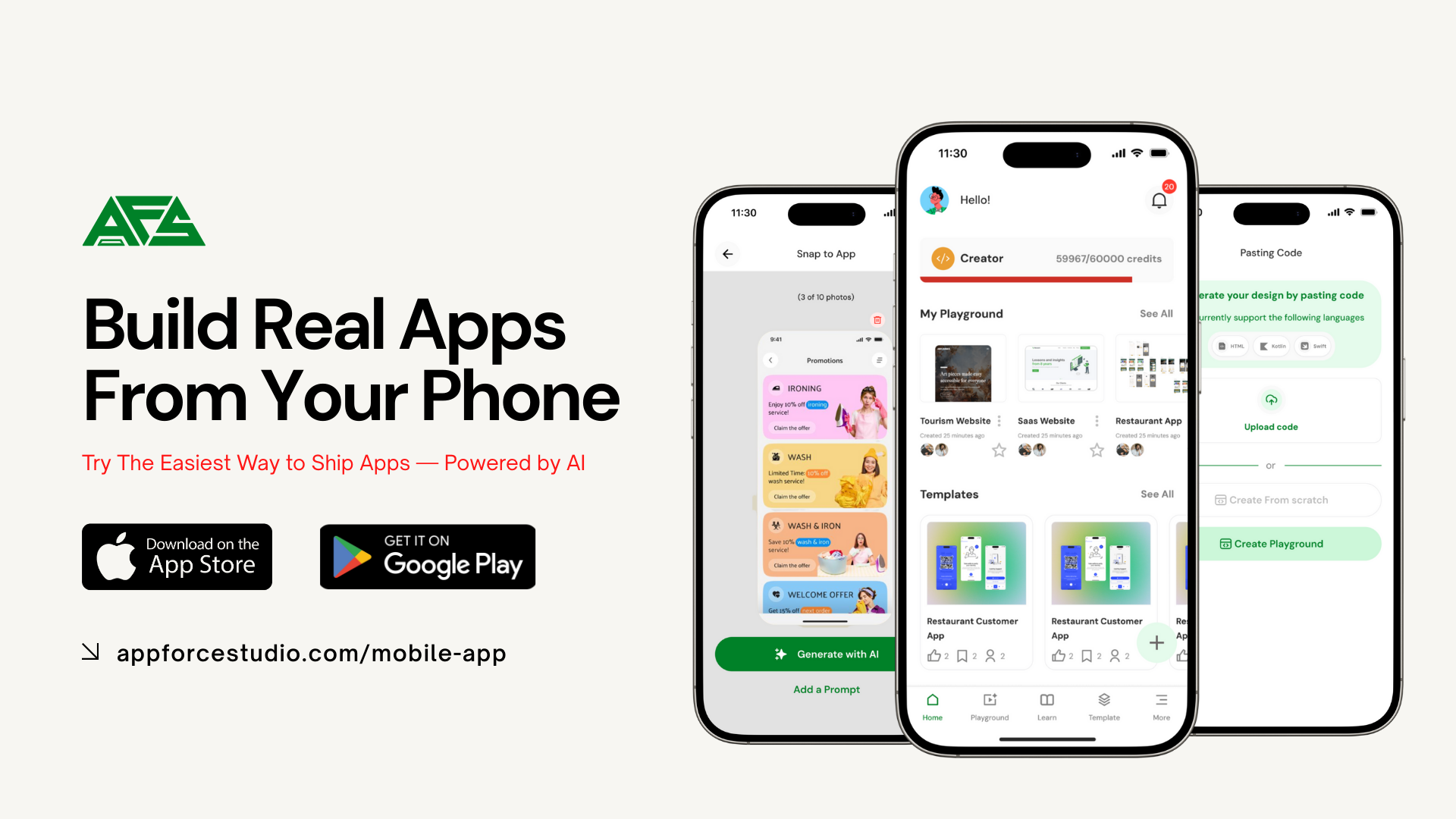
If you’re ready to start, you can build your first app using AppForceStudio AI App Builder, available on the App Stores.
The best app idea is the one you actually build.
Try this prompt
Open AppForce Studio and paste this:
“Build a simple mobile app that helps users track [habit / task / idea] with one main screen.”
Don’t improve the prompt.
Don’t overthink it.
Let the first version exist.
A simple checklist
Before you build, check only these boxes:
- One problem
- One type of user
- One main screen
If you have those three, you’re ready to build.
FAQs
Are these app ideas too simple?
No. Simple apps are ideal for learning and momentum.
Do I need to publish these apps?
No. Your first builds are for practice, not launch.
What if I already know how to code?
These ideas still work as fast prototypes or logic tests.
Can I expand these apps later?
Yes. Starting small makes expansion easier, not harder.
How long should one app take to build?
Your first screen should take under an hour.
Call to Action
Pick one idea from this list.
Not the best one.
Not the most original one.
Just one you can start today.
Download the AppForce Studio Mobile App and build your first screen now:
https://appforcestudio.com/mobile-app
Or try AppForce Studio on the web and generate your app with AI:
https://appforcestudio.com
Ideas don’t build apps. Action does.