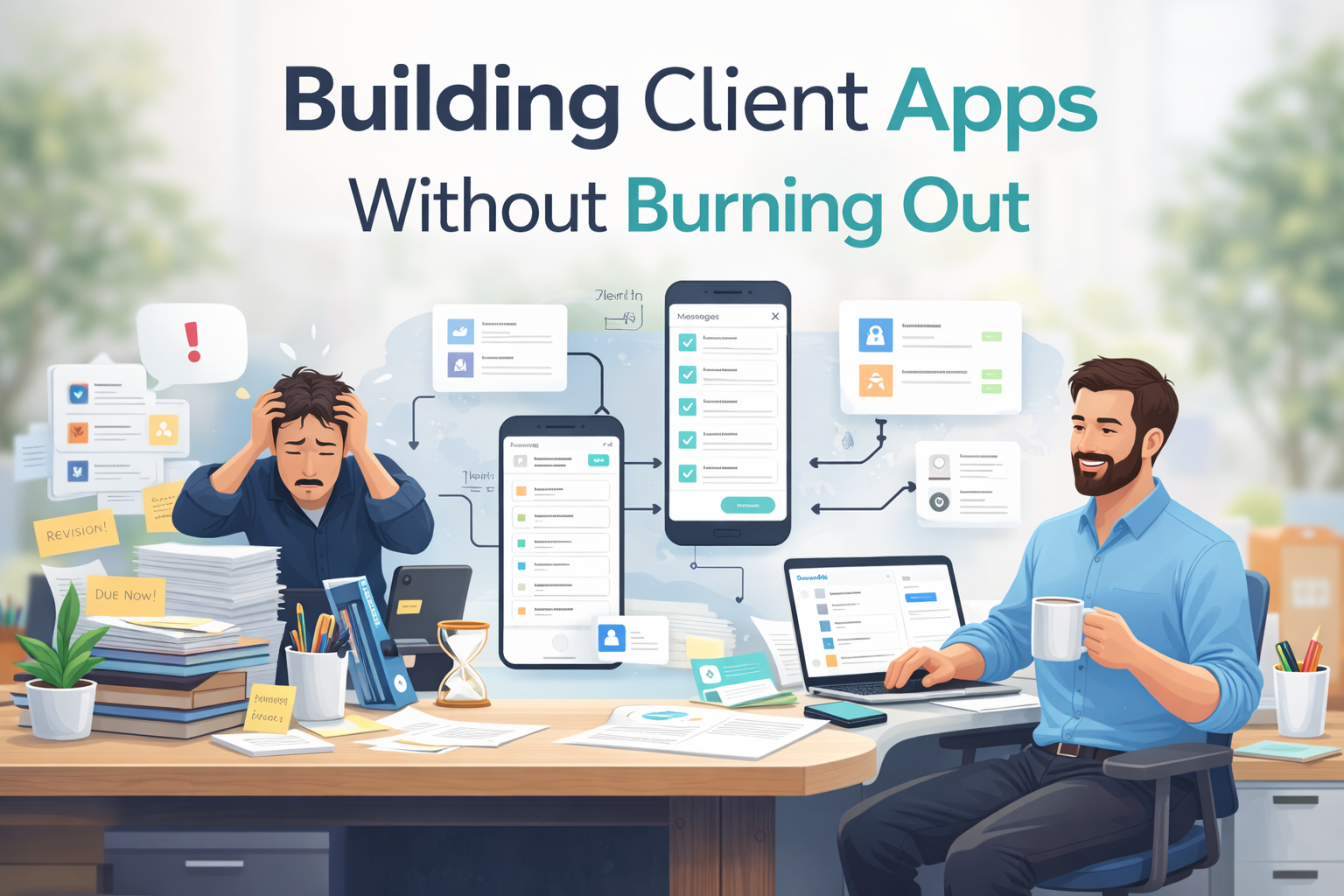
Building apps for clients can be rewarding, but it’s also one of the fastest paths to burnout if you’re not careful.
Most people don’t burn out because they’re bad at building. They burn out because they’re juggling too much: unclear scopes, repeated revisions, long build cycles, and constant context switching. Over time, even paid work starts to feel exhausting.
If you’re trying to build client apps sustainably, this post breaks down why burnout happens, what usually causes it, and how to restructure your workflow so client work stays profitable and manageable.
Why Client App Work Drains Energy So Quickly
Client projects often start with good intentions and end with quiet exhaustion.
Common patterns include:
- Vague requirements at the start
- Constant “small changes” that pile up
- Rebuilding similar features from scratch
- Long delivery timelines that stretch focus thin
The work itself isn’t the problem. The process is.
When every project feels custom, and every change feels urgent, your energy slowly disappears.
The speed vs quality myth
Most freelancers and agencies believe they must choose:
- Fast but sloppy
- Clean but exhausting
That tradeoff is false.
Burnout happens when speed depends entirely on your energy. Sustainable client work depends on systems.
If every new project starts from zero, no amount of experience will save you.
The Hidden Cost of Rebuilding the Same Things
Most client apps are not as unique as they seem.
They often share:
- Login flows
- Dashboards
- Lists and detail screens
- Forms and basic logic
Yet many builders recreate these elements from scratch every time.
That repetition increases time spent, mental load, and frustration. It also limits how many clients you can realistically handle without burning out.
To build client apps sustainably, you need faster starting points and fewer blank screens.
Burnout Comes From Friction, Not Volume
Working on multiple client apps isn’t the issue.
Friction is.
Friction looks like:
- Too many tools for one project
- Separate design, build, and preview stages
- Manual handoffs between steps
- No clear structure for iteration
Each point of friction adds cognitive load. Over time, even a small number of projects can feel overwhelming.
Reducing friction matters more than reducing work.
A Healthier Way to Build Client Apps
Sustainable client work relies on repeatable systems.
A healthier workflow focuses on:
- Starting from working foundations, not blank screens
- Building real screens early to align expectations
- Iterating visually instead of explaining changes verbally
- Reusing logic and structure across projects
This approach protects both your time and your energy.
How to build client apps faster with AppForce Studio
AppForce Studio is designed to reduce setup, not replace expertise.
It helps you build client apps by accelerating the boring parts so you can focus on client-specific logic.
Using Prompt-to-App for first versions
With Prompt-to-App, you can generate a working first version in minutes.
Example prompt:
“Build a client booking app with login, service list, booking form, and admin view.”
You instantly get:
- Screen structure
- Navigation
- Editable UI
This turns kickoff calls into build sessions instead of planning marathons.
Reusing screens across multiple client apps
Once you’ve built a solid flow, reuse it.
AppForce Studio lets you:
- Duplicate screens
- Modify with AI
- Adjust layouts per client
Using Modify with AI, you can tailor apps without rebuilding everything manually.
This is how you build client apps faster without cutting corners.
See More of AppForceStudio Features that can help you build faster on Web & Mobile
Managing multiple client apps without losing momentum
Client overload usually isn’t about too many clients.
It’s about context switching.
A mobile-first workflow helps here.
You can:
- Review screens on your phone
- Make quick edits between meetings
- Keep projects moving daily
Explore mobile workflows here:
https://appforcestudio.com/mobile-app
Little progress beats long, draining sessions.
A simple checklist
Before starting your next client project:
- Define the core flow (not every edge case)
- Generate a first version immediately
- Reuse existing components
- Validate early
- Refine later
This checklist alone can cut project fatigue in half.
Client Work Should Fund Growth, Not Exhaustion
Client projects should support your long-term goals, not block them.
When your workflow is efficient:
- You finish projects faster
- You handle more clients without stress
- You protect time for your own products
- You stay motivated instead of depleted
That balance is what turns client work into a sustainable revenue stream.
FAQs
Is AppForceStudio only for non-developers?
No. Developers use it to skip boilerplate and move faster.
Can I still customize client apps deeply?
Yes. AFS accelerates structure, not decisions.
Does this work for agencies with many clients?
That’s where it helps most.
Can I build both mobile and web apps?
Yes. Start mobile, expand to web when needed.
Build Smarter So You Can Keep Going
If client app work is starting to feel heavy, the solution is rarely “work less.”
It’s usually “work differently.”
Reducing friction, reusing what works, and building inside a single environment makes a measurable difference.
You can build client apps more sustainably using AppForceStudio AI App Builder, available on the App Stores, and keep your energy for the work that actually matters.
Client work should pay well and feel manageable.
Download the AppForce Studio mobile app and test this on your next client project.
https://appforcestudio.com/mobile-app
Or try it on the web and generate your next client app in minutes.
https://appforcestudio.com