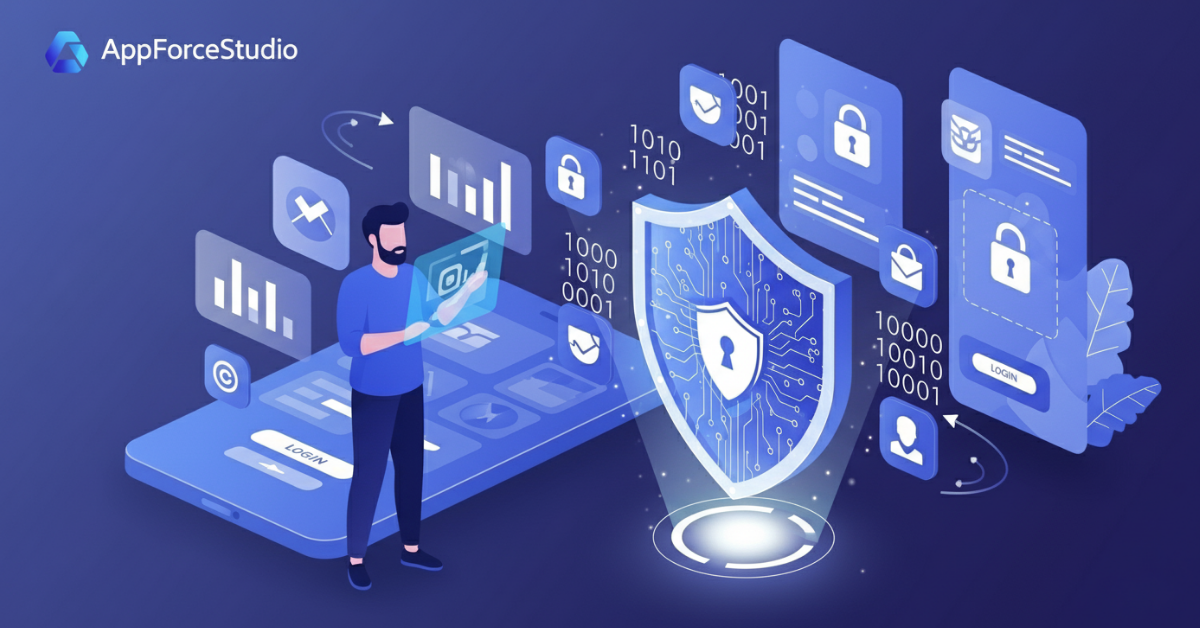
The Overlooked Risk in Fast App Building
When you’re building your first app, “security” or app security basics probably isn’t the first thing on your mind.
You’re focused on validating your idea, getting users, and showing investors progress — not worrying about encryption or data breaches.
But here’s the truth: even an MVP can expose sensitive user data if built carelessly.
And one early security mistake can cost you trust — or worse, legal trouble — before your product even scales.
Understanding app security basics isn’t just for engineers anymore.
As a founder, it’s your job to protect your users, your data, and your reputation.
If you’re still learning how to build securely, our guide on how to build an app in 2025 (with or without code) is a great place to start. It explains the modern tools and frameworks you’ll be protecting.
Common Security Mistakes Founders Make
Even experienced teams cut corners early on. These are the top five security pitfalls we see in early-stage apps:
1. Skipping Authentication
MVPs often launch with “temporary” or hardcoded logins. It feels faster, but it’s one of the easiest ways to get breached.
Always include at least a secure email/password or OAuth (Google/Apple login) setup.
2. Exposing API Keys
Developers sometimes hardcode private API keys or environment variables in public repos — a massive no-go.
Attackers scrape GitHub daily looking for exactly that.
3. Ignoring HTTPS
Plain HTTP still sneaks into prototypes. Without HTTPS, your user data (even logins) can be intercepted.
4. Poor Access Control
Not everyone on your team needs admin access. Misconfigured permissions are one of the top causes of leaked data.
5. Storing Data Without Encryption
Whether it’s passwords or user form entries — encrypt it. Even at the MVP stage, storing plain text data can expose you to compliance risks (like GDPR or CCPA).
These are similar to the pitfalls discussed in 5 Mistakes You Must Avoid When Building Your First AI App, which highlights how common oversights lead to preventable issues in early-stage builds.
Why MVPs Still Need Basic Security
A common misconception:
“We’ll fix security later — once we get users.”
That mindset creates technical debt — and user distrust — before you even grow.
Here’s why even MVPs need security baked in from day one:
- User trust starts early. If your beta users encounter a data issue, they’ll never come back.
- Investors expect responsibility. Even seed-stage investors increasingly ask about your data and privacy practices.
- Retrofitting is expensive. Adding encryption, authentication, and role-based access after launch can take 10× more time.
Think of security like scaffolding: you may not notice it when it’s there, but you’ll definitely notice when it isn’t.
Every founder should understand app security basics, even before launch — it’s cheaper to protect now than to patch later.
Even if you’re building fast, balance speed with protection. For inspiration, see how other founders maintain both in How Startups Build MVPs Faster with AI.
Security Risks with No-Code & AI App Builders
No-code and AI builders are changing how apps get built — but they also introduce new security considerations.
Let’s look at what founders should watch for when choosing a platform:
| Risk | What It Means | What to Check |
|---|---|---|
| Data Handling | How your data is stored or transmitted through the platform. | Ensure the builder uses encrypted storage (AES-256) and HTTPS/TLS for all data. |
| Third-Party Integrations | Many AI/no-code apps rely on external APIs (auth, maps, payments). | Verify that each integration complies with privacy standards. |
| Generated Code | Some AI tools produce code you can’t review. | Prefer tools that let you export and inspect your code — full transparency. |
| Hosting & Compliance | Apps often live on shared infrastructure. | Look for platforms with SOC 2 / ISO 27001 alignment and data localization options. |
In short, you shouldn’t have to sacrifice safety for speed.
Security Essentials Every Founder Should Check
Here’s a quick MVP security checklist before your launch:
Authentication
- Use OAuth or secure password storage (hashed + salted).
- Enable 2FA for admin accounts.
Data Encryption
- Use HTTPS for all communication.
- Encrypt user data at rest (AES-256 minimum).
Access Control
- Assign user roles and restrict admin privileges.
- Separate test data from production.
Updates & Dependencies
- Keep libraries and frameworks updated.
- Monitor for known vulnerabilities (e.g., OWASP Top 10).
Backups & Recovery
- Automate backups of key data.
- Test recovery once per release cycle.
These are non-negotiables, even for small teams. You don’t need a full-time security engineer, but you do need awareness and discipline.
These app security basics form the foundation of any safe launch from authentication to encryption and access control.
🛡️ How AppForceStudio Keeps Apps Safe by Default
AppForceStudio is built with the principle of “secure by design.”
Every app created on the platform benefits from multiple built-in protections — without founders needing to configure them manually.
Here’s how AFS simplifies app security:
| Security Layer | What It Does |
|---|---|
| Encrypted Infrastructure | All data is encrypted in transit (TLS 1.3) and at rest (AES-256). |
| User Authentication | Built-in login components support OAuth, email verification, and 2FA. |
| Code Transparency | You can export your app’s source code anytime — nothing hidden or locked away. |
| Secure Hosting | Hosted apps run on secure cloud infrastructure with automatic SSL. |
| Ongoing Updates | AFS regularly updates dependencies to patch vulnerabilities automatically. |
So even if you’re a solo founder or early startup, your MVP can launch with enterprise-grade security fundamentals — built in, not bolted on.
Build Fast, But Build Safe
Speed matters — but so does trust.
In 2025, users are savvier, regulators are stricter, and investors are more cautious about security than ever.
The good news? You don’t need a full security team to launch safely.
You just need the right foundation and the right platform.
See how AppForceStudio handles app safety → build confidently, knowing your users (and your data) are protected from day one. Visit appforcestudio.com now