🚀 Introduction
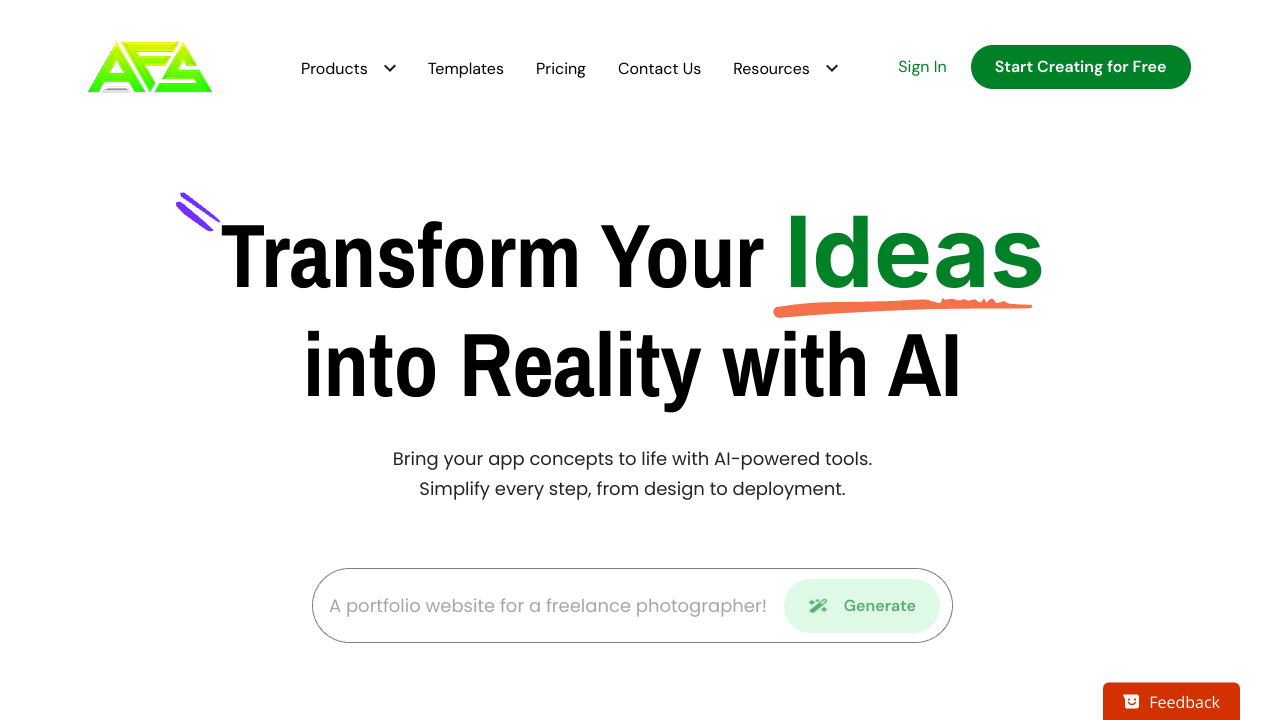
AppForceStudio was built with one mission: help founders and teams go from idea to live app faster than ever. No cobbling together tools, no endless delays — just one platform that covers the entire journey.
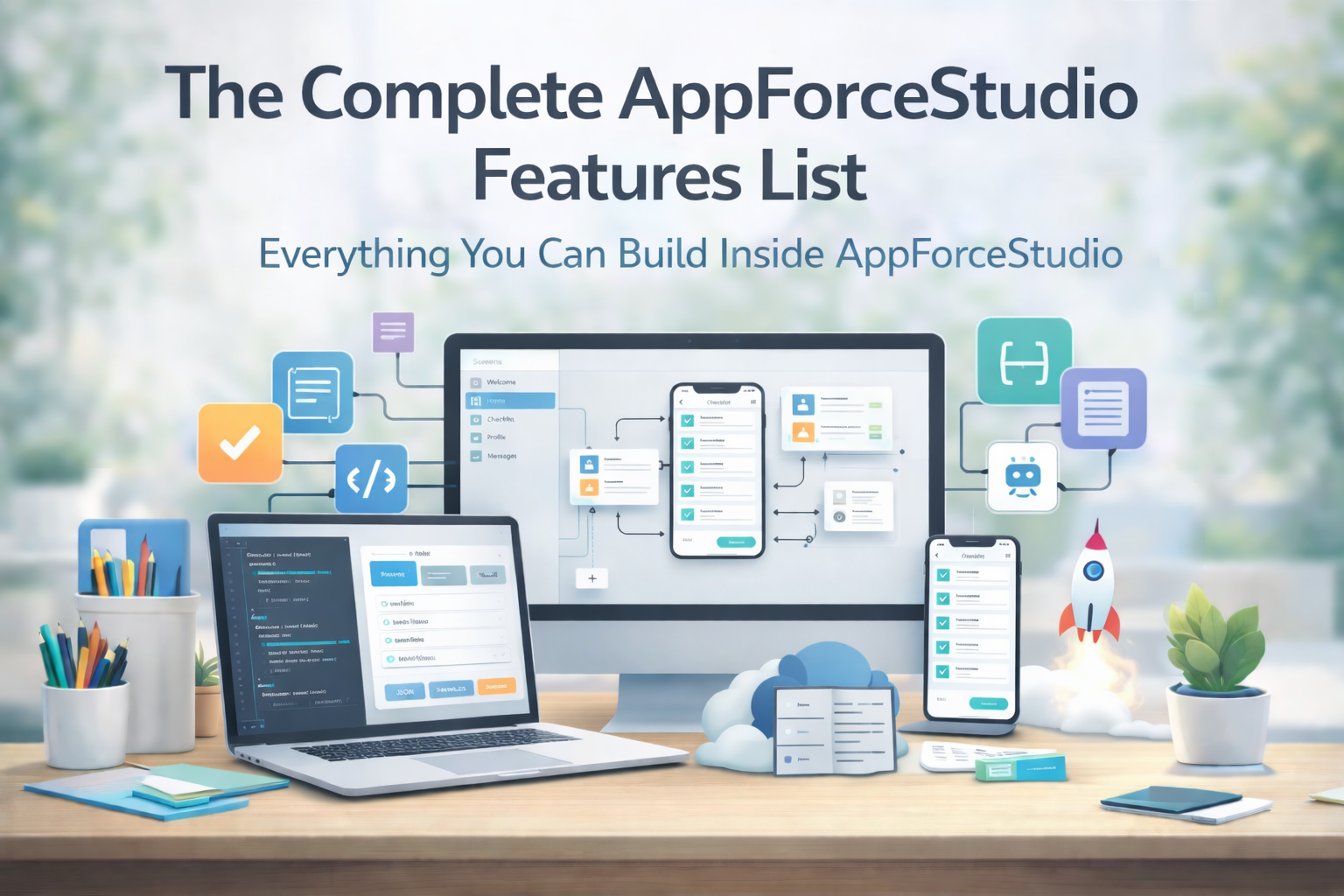
In this post, we’ll walk through the 20 most powerful AppForceStudio features, grouped into categories so you can see how everything connects.
🎨 Design & Creation Features
1. AI-Powered Screen Generation

Turn prompts into ready-to-edit app screens.
- Benefit: Skip hours of wireframing and jump straight into building.
2. Upload a Design Screenshot

Start from an existing design by uploading an image.
- Benefit: Quickly convert mockups into editable, production-ready screens
3. Paste Code to Generate Screens

Drop in SwiftUI, Kotlin Compose, or HTML — and get full, editable screens.
- Benefit: Bridge design and dev without rework.
4. Playground Canvas

Drag, resize, and arrange components visually.
- Benefit: Gives designers and founders a no-code playground.
Read Post: How to Use the Playground Canvas in AppForceStudio
5. Code Editor Integration

Switch instantly between visual canvas and raw code.
- Benefit: Full control for both no-coders and coders.
6. Modify with AI
Change text, colors, or images via AI commands.
- Benefit: Small tweaks happen in seconds instead of minutes.
7. Storyboarding

Connect screens to map user flows.
- Benefit: Plan UX without third-party tools.
Related Post: AppForceStudio Storyboarding: The Fastest Way to Design & Launch Apps Without Guesswork
🤝 Collaboration & Feedback
8. Comment Threads
Attach feedback anywhere on a design.
- Benefit: Keeps conversations in context.
9. Sharing & Permissions

Invite teammates or clients with controlled access.
- Benefit: Secure collaboration at every stage.
10. Version Control & Revisions
Track every change with restore options.
- Benefit: Experiment without fear of losing work.
💻 Code & System Generation
11. Design System Auto-Generation

Turn designs into a consistent, reusable component library.
- Benefit: Enforces consistency across your app.
12. Generate Website Code

Export your designs as responsive website code.
- Benefit: One flow, two outputs — web and app.
13. Generate Native Apps
Export clean Swift and Kotlin codebases.
- Benefit: No lock-in; keep building beyond the platform.
14. Playground Assistance

AI explains code, fixes errors, and suggests changes in real time.
- Benefit: Makes coding less intimidating for non-devs.
15. Project Mode + Code Assistance
Switch from single screens to full project view, with AI copilots.
- Benefit: Manage larger builds with confidence.
🚢 Publishing & Deployment
16. Template Marketplace

Publish and use ready-made templates.
- Benefit: Speed up builds or monetize your designs.
17. Deploy Websites

Push your site live with one click.
- Benefit: Zero setup, instant hosting.
18. Deploy Native Apps
Submit directly to App Store and Google Play.
- Benefit: Handles builds, certificates, and uploads.
19. Backend Support
Built-in backend for APIs, notifications, and databases.
- Benefit: No extra setup needed to power your app.
20. Feature Flags & Rollouts
Control who sees new features.
- Benefit: Test safely before wide release.
🎯 Final Take
These 20 AppForceStudio features combine into one clear promise: you don’t need 5 different tools to build and launch your app. Whether you’re prototyping, iterating, or deploying, AppForceStudio gives you the full stack — with speed as your competitive edge.