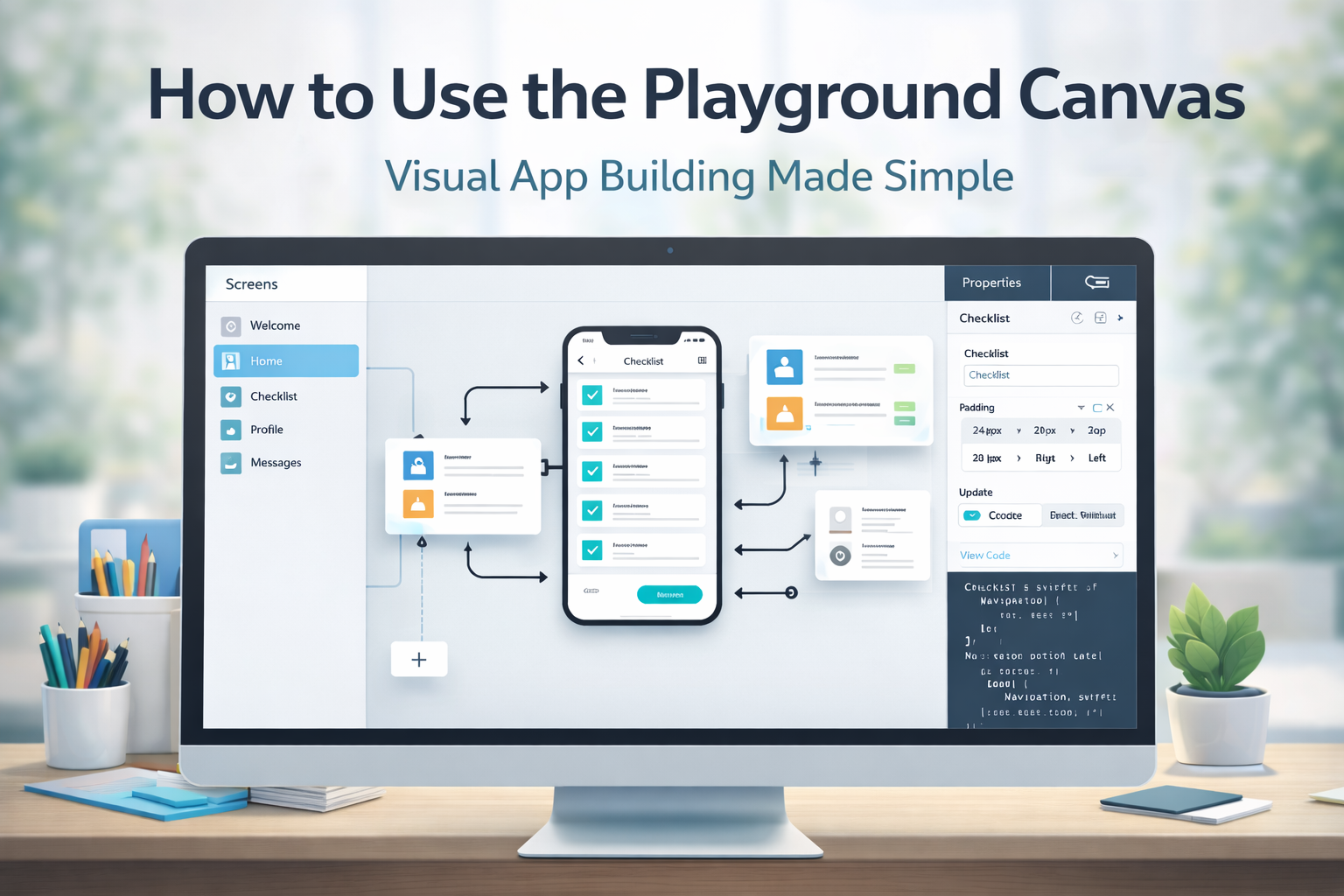
The future of app building has officially arrived. Today, we’re excited to announce the launch of AppForceStudio Mobile, the mobile version of our powerful AI app builder that lets you create, edit, and launch real apps directly from your phone. Whether you’re an entrepreneur, content creator, developer, or someone with an idea you’ve been waiting to bring to life, the AppForceStudio Mobile app puts a full app-building studio in your hands.
This launch continues our mission to make app creation accessible to everyone, everywhere, without limits, without friction, and without the need for a laptop.
Click to Download on iOS
Click Here to Download on Android
Why We Built the AppForceStudio Mobile App Builder
Not everyone has access to a laptop at all times. Many ideas come when you’re out, moving around, or simply away from your desk. Your best tool should work where you are.
Today’s creators use their phones for everything — business, design, content, and communication. Yet app building has always been tied to heavy tools, desktop interfaces, and complicated workflows.
We wanted to change that, and you can learn more about our mission and technology on our Learn Page.
AppForceStudio Mobile gives you the freedom to build at your pace, from anywhere, with a full builder that works the way you think. No-code, low-code, and pro-code, all inside your phone
What You Can Build With This Mobile App Builder
Literally anything you can build with AppForceStudio Web, you can now build on mobile:
- Business apps
- E-commerce apps
- Booking apps
- Creator tools
- Community apps
- Productivity apps
- Portfolio apps
- AI-powered tools
- Event, agency, or service apps
Every template, every workflow, every design system, and every deployment capability works seamlessly on mobile.
This is full-scale app building reimagined for your phone.
Key Features That Make AppForceStudio Mobile the Best App Builder
AppForceStudio Mobile isn’t a lite version. It’s a complete builder with all the power of our desktop platform, designed for speed and flexibility.
Powerful AI Tools Inside AppForceStudio Mobile
1. Prompt-to-App
Type what you want, and the app generates your screens, layouts, components, and logic instantly.
2. Screenshot-to-App
Upload a screenshot of a UI you like, and AFS rebuilds it with editable components.
3. Snap-to-App
Take a picture of any app screen to turn any image — sketch, design, or reference — into a starting point for your app.
4. Design System Generator
Pick your brand colors and fonts and get an instantly generated design system with buttons, text styles, assets, and dev-ready code.
5. A Developer-Ready Mobile App Builder With Code Mode
Developers can write, edit, and adjust real code on the go. Full syntax highlighting. Complete control. Full flexibility.
6. One-Tap Instant Preview
See your changes live as you build; no compiling, no delay.
Start Building Apps Faster on Your Phone
7. Cloud-Synced Builder
Start on mobile, continue on web, or do everything on your phone. All your work stays synced across your workspace.
The Most Beginner-Friendly App Builder
How the AppForceStudio Mobile App Builder Works
Using AFS Mobile is simple:
- Download the app (iOS or Android).
- Sign in with your AppForceStudio account.
- Choose a template or start with a prompt.
- Customize your screens, logic, data, and styles.
- Preview instantly.
- Deploy your app and get a shareable link. Get Native Code for direct publishing on iOS App Store or Google Play Store
Every action is optimized for mobile – drag, tap, type, generate, and publish.
Who AppForceStudio Mobile Is Perfect For
This app was built for:
- Entrepreneurs who want to build fast
- Creators who want to create apps without a laptop
- Developers who want to edit and test code on the go
- Small businesses building internal tools
- Students and beginners learning to build
- Agencies and freelancers managing client apps
- Designers prototyping instantly from their phones
If you’ve ever wished you could build an app the same way you manage your business on your phone, AFS Mobile is exactly what you need.
Also helpful: The True Cost of Building an App in 2025, for founders who wonder about budget and ROI
How AppForceStudio Mobile Compares to Other Traditional App Builders
Traditional builders are:
- Slow
- Desktop-dependent
- Hard to learn
- Not flexible for real creators
- Expensive
- Not optimized for mobile building
AppForceStudio Mobile reverses all of that.
Why This Mobile App Builder Is Different
| Feature | Traditional Builders | AppForceStudio Mobile |
|---|---|---|
| Mobile App Building | Rare or nonexistent | Full builder on mobile |
| AI Automation | Limited | Full AI suite included |
| Prompt-to-App | No | Yes |
| Screenshot-to-App | No | Yes |
| Code Editing on Mobile | Extremely limited | Full Code Mode |
| Learning Curve | High | Beginner-friendly |
| Speed | Slow | Minutes |
This isn’t just another tool. It’s the new standard for building apps on mobile.
For a deeper dive into why no-code matters, see our post – What Is ‘No Code’? The Future of Software Development
Real Use Cases You Can Build Today
Here are examples of apps people are already building with AppForceStudio Mobile:
- Booking apps for service businesses
- Event apps for communities
- Fitness coaching apps
- Portfolio apps for creatives
- Inventory or POS tools
- Marketplace apps
- School or church apps
- Content creator apps
- Productivity or habit apps
- AI chat or automation tools
If you can imagine it, you can build it right now. Explore examples on our Templates Page.
Want inspiration? Check out 5 Profitable Apps You Can Build with AI This Weekend
Download AppForceStudio Mobile
AppForceStudio Mobile is now officially live on iOS and Android.
Download it today and start building real apps in minutes.
This is mobile app creation reinvented for creators, founders, teams, and developers who want speed and freedom.
AppForceStudio Mobile is ready for you. If you need help at any stage, visit our Support Page.
Click to Download on iOS
Click Here to Download on Android
FAQ — AppForceStudio Mobile Launch
1. Can you build real apps on your phone?
Yes. AppForceStudio Mobile lets you build, customize, and deploy functional apps directly from your phone. No laptop needed.
2. Does AppForceStudio Mobile use AI?
Yes. It includes all major AI features: Prompt-to-App, Screenshot-to-App, Image-to-App, and the Design System Generator.
3. Is AppForceStudio Mobile free?
The app is free to download. Your workspace uses the same structure as our plans on the Pricing Page.
4. Do I need to know how to code?
No. You can build fully without code. Developers can use Code Mode when needed.
5. Does AppForceStudio Mobile work for developers?
Absolutely. Code Mode lets developers write and edit real code on mobile and sync changes instantly.
6. Can I switch between mobile and web?
Yes. Everything syncs to your workspace. Start on mobile and continue on desktop — or stay fully mobile.
7. How fast can you build an app with AppForceStudio Mobile?
With Prompt-to-App and Screenshot-to-App, you can generate your first version in minutes.
8. What platforms do apps built with AFS support?
Apps can be deployed for Android, iOS, and web.