Speed is everything in a startup’s early stage. The faster you get your Minimum Viable Product (MVP) into the hands of real users, the sooner you learn, pivot, or scale. This article shares how to Build MVPs Faster with AI-Powered App Development.
That’s where AI-powered development steps in – turning what used to take month into a matter of weeks (or even days).
Whether you’re technical or not, starups are using AI to move faster without burning through cash or time. Before we show you how, this article breaks down why AI-powered development is the future of MVPs. Read more here.
Now let’s dive into how to Build MVPs Faster with AI-Powered App Development.
Step 1: Define Your MVP Goals
Before choosing a platform, outline what your MVP needs to do. Ask yourself:
- What is the core problem my app solves?
- What are the must-have features (not nice-to-haves)?
- What user actions define success (sign-ups, bookings, purchases)?
Example: If you’re launching a fitness booking app, your MVP might only need class listings, a booking button, and payment integration-no social features yet. Focus on solving one problem well, rather than building a fully-featured product from day one.
Step 2: Choose the Right AI-Powered No-Code Platform to Help You Build Faster
Not all AI-powered app builders are the same. Choose a platform based on:
- App Type: Mobile vs. web vs. cross-platform
- Customization Needs: Drag-and-drop vs. AI-generated
- Scalability: Can the platform support growth if your MVP succeeds?
- Integrations: Payment gateways, CRMs, or external APIs you need
Popular AI-Powered App Development tools to build MVPs faster
- AppForceStudio – Best for prompt AI-generated apps with visual building and built-in scalability
- Bubble – Great for visually building complex workflows and tools
- Builder.ai – AI-assisted, but with developer support for scaling
Choose the one that aligns with your speed, flexibility, and long-term goals.
Step 3: Use AI to Generate Your App’s Structure
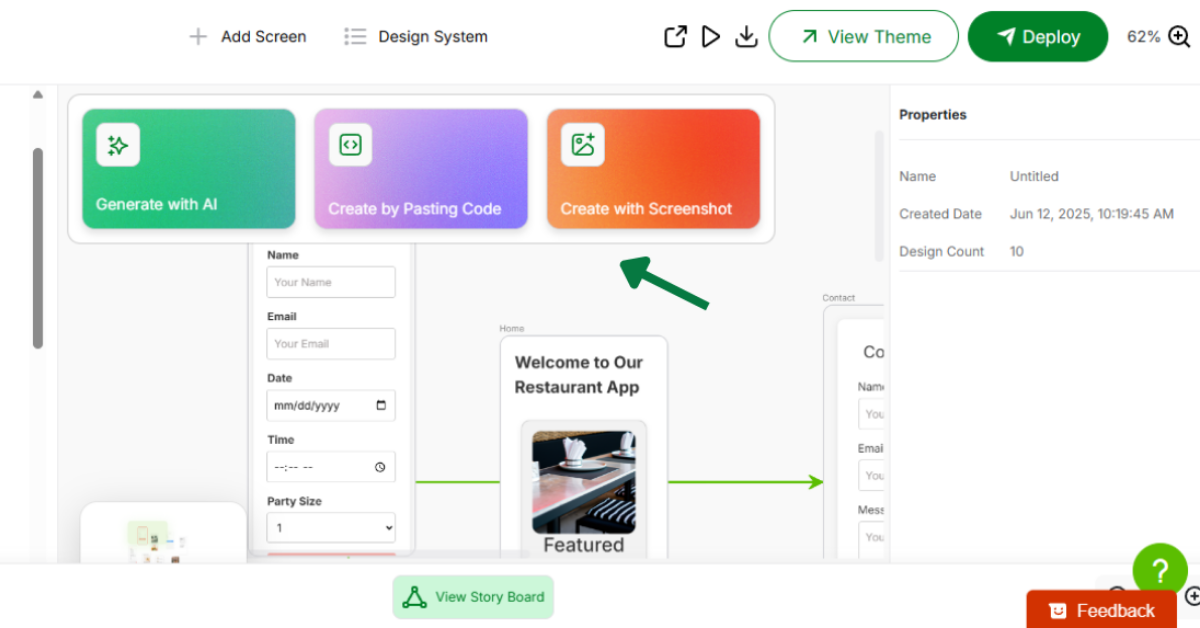
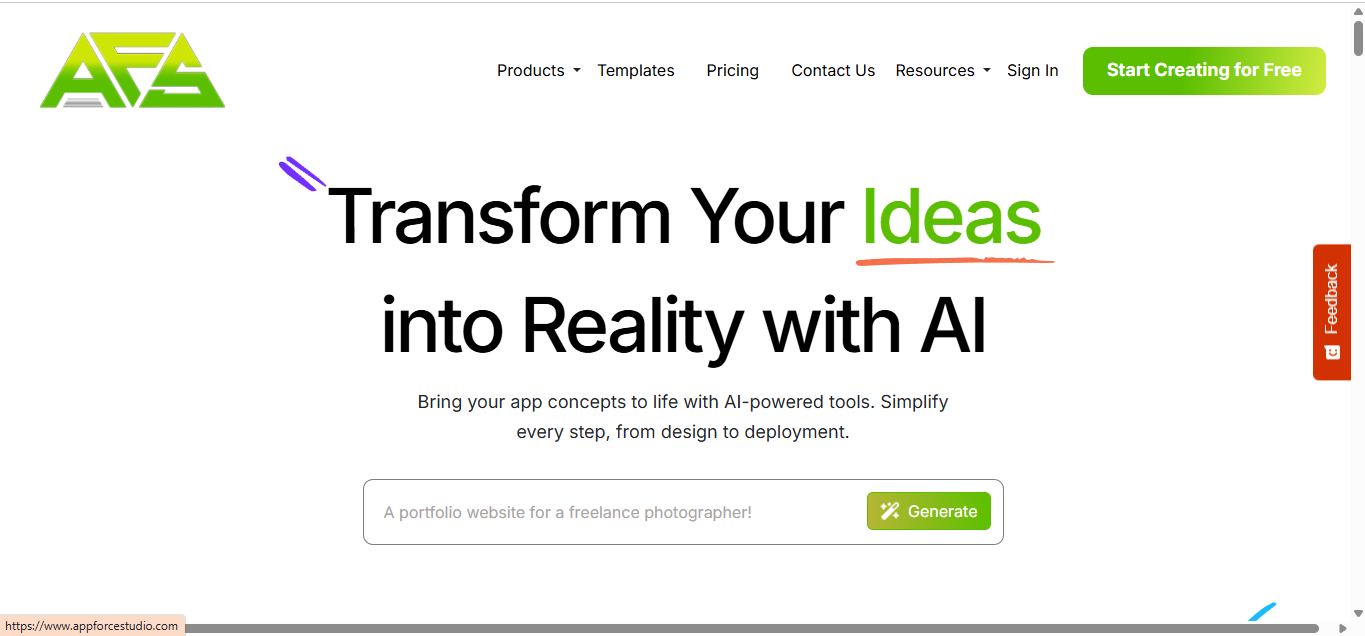
With an AI-powered tool like AppForceStudio, you can skip wireframing and manual coding by simply describing your app in plain language. Example:
- Type: “I need a mobile app for peer-to-peer equipment rentals with payment and scheduling.”
- AI Generates: App screens, basic logic, UI flows—all within minutes.
This process turns an idea into a functional prototype faster than traditional development.
Step 4: Customize & Test Your MVP
Once your app structure is built, refine it by:
- Adjusting UI/UX – Change colors, layouts, and branding
- Adding Key Features – Ensure your core functionality works
- Testing User Flows – Click through your app like a user
Pro Tip: Use AI-powered UX tools (like Hotjar AI or ChatGPT for copy improvements) to refine your app’s usability before launch.
Step 5: Launch & Gather User Feedback Quickly
Your MVP isn’t about perfection—it’s about learning fast. Get your product in front of early users and use AI tools to collect and analyze feedback:
- Track Behavior – Use AI-powered analytics for real-time insights or simply ask your testers for direct feedback
- Iterate Rapidly – Make changes without waiting for development sprints
Ready to get started? Check out AppForceStudio to start building with AI powered app development.