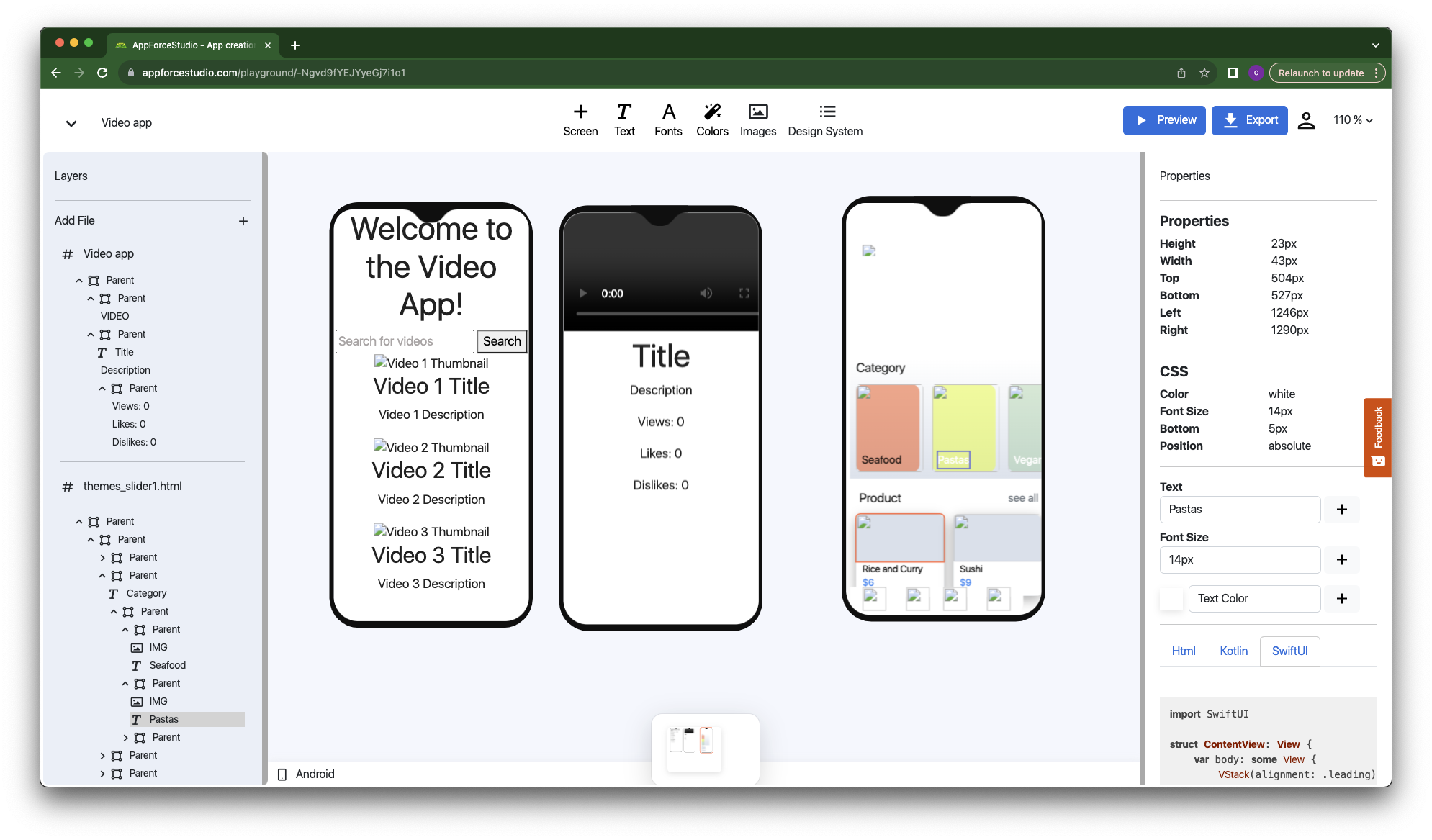
User interfaces (UIs) are pivotal in the realm of application development. Two front runners in the UI development field are SwiftUI by Apple, used for building interfaces across Apple devices, and Jetpack Compose by Google, a toolkit built specifically for Android UIs. While created by different tech behemoths for separate platforms, SwiftUI and Kotlin Jetpack Compose showcase striking similarities. This article aims to delve into these parallels, focusing on the declarative nature, state management, reusability, interoperability, and their shared modern approach.
1. Declarative Nature of SwiftUI and Kotlin Jetpack Compose
SwiftUI and Jetpack Compose follow a declarative programming paradigm, which is fundamentally different from the traditional imperative approach. Developers state what the UI should look like, and the system determines the best way to implement it. This makes the code more concise and intuitive.
For instance, to create a text label in SwiftUI, we use:
Text("Hello, World!")
In Jetpack Compose, a similar operation would be:
Text("Hello, World!")
In both cases, the ‘what’ (a text element displaying “Hello, World!”) is declared, and the ‘how’ is left to the respective frameworks.
2. State Management of SwiftUI and Kotlin Jetpack Compose
SwiftUI uses @State, a property wrapper to manage simple properties that belong to a view. Conversely, Jetpack Compose utilizes mutableStateOf and remember to manage state within its components, called composables. They both automatically update the UI to mirror changes in these state variables.
For example, SwiftUI allows a button to change a text label with state management as follows:
struct ContentView: View {
    @State private var labelText = "Tap the button"
    var body: some View {
        VStack {
            Text(labelText)
                .font(.title)
            Button(action: {
                labelText = "Button tapped!"
            }) {
                Text("Tap me")
            }
        }
    }
}
In Kotlin Jetpack Compose, an equivalent UI would look something like this:
@Composable
fun ContentView() {
    var labelText by remember { mutableStateOf("Tap the button") }
    Column {
        Text(text = labelText, style = MaterialTheme.typography.h6)
        Button(onClick = {
            labelText = "Button tapped!"
        }) {
            Text("Tap me")
        }
    }
}
3. Component Reusability
Both SwiftUI and Jetpack Compose emphasize reusability and modularity. SwiftUI refers to its components as ‘Views’, while Jetpack Compose calls them ‘Composables’. Each component is responsible for its state and layout, and can be nested within others to form complex UIs.
To create a reusable component in SwiftUI, we do something like:
struct GreetingView: View {
    var name: String
    var body: some View {
        Text("Hello, \(name)!")
    }
}
And the equivalent in Jetpack Compose:
@Composable
fun GreetingView(name: String) {
    Text("Hello, $name!")
}
4. Interoperability
SwiftUI and Jetpack Compose understand the necessity to interoperate with older frameworks and provide methods for integrating with legacy UIs. SwiftUI uses UIViewRepresentable to wrap UIKit components, while Jetpack Compose uses AndroidView to incorporate traditional Android Views.
For instance, in SwiftUI, you can wrap a UIKit view like this:
struct UIKitView: UIViewRepresentable {
    func makeUIView(context: Context) -> UILabel {
        let
 label = UILabel()
        label.text = "Hello from UIKit"
        return label
    }
    func updateUIView(_ uiView: UILabel, context: Context) { }
}
Jetpack Compose provides an analogous capability:
@Composable
fun AndroidViewExample() {
    AndroidView(factory = { context ->
        TextView(context).apply {
            text = "Hello from Android View"
        }
    })
}
5. Modernity and Developer Experience
SwiftUI and Jetpack Compose represent the future of UI development, prioritizing the developer experience. They provide immediate visual feedback through a hot-reload feature, streamlining the development process.
In conclusion, despite the differences in the underlying platforms and programming languages, SwiftUI and Jetpack Compose share several similar philosophies and design principles. They both strive for declarative syntax, efficient state management, reusable components, interoperability, and a developer-centric experience, offering modern and efficient ways to build stunning user interfaces. Go to AppForceStudio to start building your app today!