


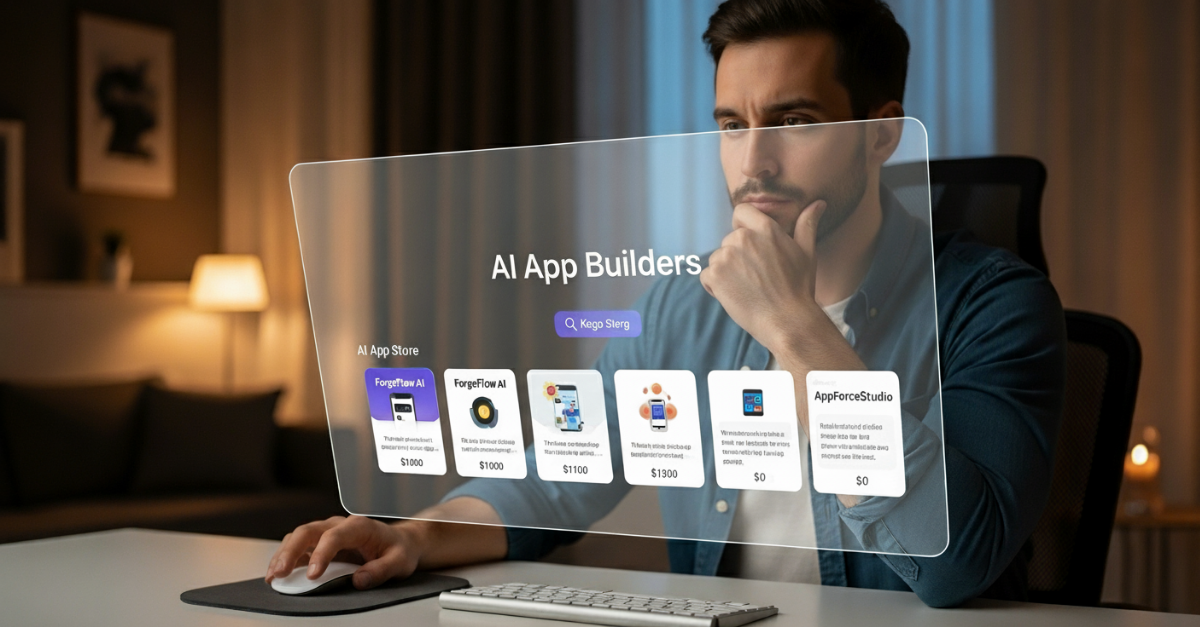
When you’re ready to bring your app idea to life, choosing the right platform isn’t just a technical step; it’s a commitment. The wrong choice can lead to high costs, limited flexibility, and frustrating delays. The right choice, however, means you’ll launch faster, spend less, keep control over your vision, and avoid the stress of rebuilding later.
In this guide, we’ll walk through the key factors to evaluate before you commit to any AI app builder. Keep reading to discover which platform performs best when it comes to finances, time-to-launch, and ease of building.
1. Real Apps vs. Prototypes
Not all AI builders deliver a finished product. Some only create mockups or small code snippets. If your goal is to publish in the app store, whether for iOS or Android, make sure the platform builds real, working apps, not just concepts.
👉 Ask yourself: Will I be able to deploy my app directly, or will I still need developers to finish it?
2. Speed to Launch
One of the main reasons people turn to AI builders is speed. Traditional development often takes 3–6 months and costs tens of thousands of dollars. With the right AI builder, you can cut this down to weeks instead of months.
Look for platforms that let you:
- Generate screens instantly from prompts.
- Import your design mockups into a working UI.
- Preview and edit without delays.
- Collaborate in real time.
Because every week saved brings you closer to your users, speed should be one of your top priorities.
3. Flexibility in How You Build
Every creator works differently, which is why this AI app builder buyer’s guide emphasises flexibility. Some prefer AI prompts, others enjoy drag-and-drop design, while advanced users may want direct access to code. A strong AI app builder should give you the option to do all three, so you never feel limited.
In other words, the platform should grow with you — from MVP to polished product.
4. Collaboration That Works
Building alone is one path, but most projects involve co-founders, clients, or design partners. If you’re working with others, the app builder should support:
- Real-time collaboration,
- Commenting, and
- Shared project spaces.
Without these, teamwork becomes slow and messy. With them, building feels seamless.
5. End-to-End Workflow
Some builders only help with one step, like generating code or making prototypes. However, creating an app requires much more. The best AI app builders support the entire workflow, including:
- Setting up a design system,
- Building and prototyping UI,
- Mapping user flows,
- Adding backend integration, and
- Deploying to app stores.
This way, you don’t need to switch between multiple tools or hire extra developers.
6. Cost and Scalability
Budgets matter, especially for startups and solo founders. Traditional agencies may charge between $10k–$100k+, and many AI builders still have enterprise-level pricing.
Look for a platform that:
- Starts affordable (ideally $0–$50/month), and
- Scales with you as your app matures.
That balance ensures you can start lean and grow sustainably. If you’re curious about how today’s platforms are priced, check out our breakdown of vibe coding app pricing in 2025.
7. Ownership and Control
Finally, consider ownership. Some platforms lock you into their ecosystem, making it difficult to export your code or host elsewhere. That means you don’t fully own your app.
Instead, choose a builder that gives you complete control:
- Export your code,
- Host it anywhere, or
- Keep it inside the platform if you prefer.
With this flexibility, your app is truly yours.
Which AI App Builder Checks All the Boxes?
This AI app builder buyer’s guide makes it clear: after comparing multiple platforms across finances, time, and ease of use, AppForceStudio consistently comes out on top.
So, if you need an AI app builder that will:
- Build real, working apps (not just prototypes),
- Launch in weeks, not months,
- Offer AI prompts, drag-and-drop, and code editing,
- Support real-time collaboration,
- Give you a Canvas (like Figma, but built for apps),
- Handle the end-to-end workflow,
- Stay affordable as you grow, and
- Provide full ownership of your code,
👉 Then choose AppForceStudio.
Still Unsure? Try the Free App Cost Calculator
If you’re not ready to decide yet, try the free App Cost Calculator. It compares traditional app development with AI-powered building.
In just a few minutes, it shows you:
- Your estimated development costs,
- Expected time to launch,
- Team size needed, and
- Ongoing maintenance requirements.
This way, you’ll see exactly how much time and money you can save before you commit.
👉 Try the App Cost Calculator now. It’s free, no credit card required.
Once you’ve compared your costs with the App Cost Calculator, try AppForceStudio immediately. Just type in a prompt to get started. You can always improve, make edits and adjustments to everything later.



2 thoughts on “The Buyer’s Guide to AI App Builders (Costs, Speed & Ease Compared)”