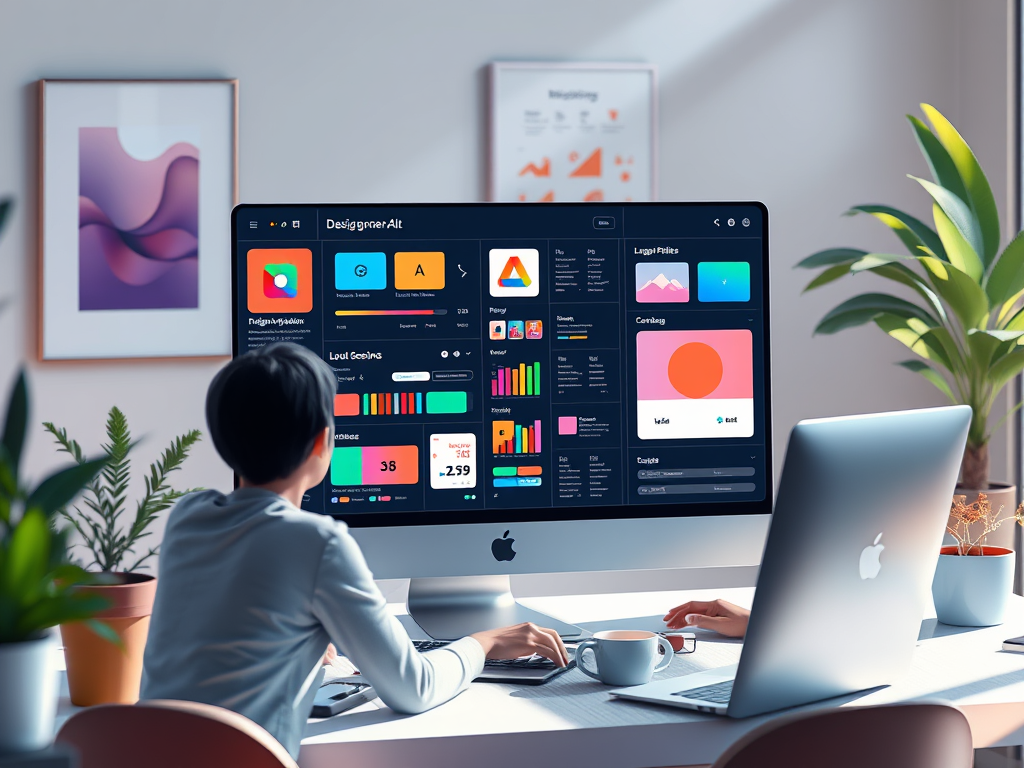
Consistency is key when designing and developing apps. A cohesive design system not only saves time but also ensures a seamless user experience. But creating one manually can be time-consuming and error-prone. This is where a design system generator powered by AI comes in, automating repetitive tasks and simplifying the design process for teams of all sizes.
What is a Design System Generator?
A design system generator is a tool that automates the creation of design systems for your applications. It consolidates UI components, typography, colors, and layout guidelines into a reusable system, ensuring consistency across your apps.
Traditionally, creating a design system involved manually defining style guides, prototyping, and documenting components. However, with tools like AppForceStudio, you can generate comprehensive design systems in minutes using AI-powered automation.
Why Should You Use a Design System Generator?
- Save Time and Resources: Automating the creation of components and guidelines reduces hours of manual work, allowing teams to focus on building unique features instead of repetitive styling.
- Enhance Collaboration: Developers and designers work from a unified source of truth, avoiding miscommunication. Easily share design systems across teams to streamline the app development process.
- Improve Consistency: Your app will look cohesive across all screens, devices, and platforms. Brand guidelines are enforced without additional effort.
- Scale Easily: As your app evolves, you can update your design system once, and changes will reflect everywhere.
How AppForceStudio Makes Design System Generation Easy
At AppForceStudio, we believe in simplifying complex workflows. Our Design System Generator feature allows you to:
- Generate Entire Systems with AI: Upload screenshots or design files, and let our AI analyze and transform them into reusable components.
- Edit in Real-Time: Make changes to your design system and see live previews of the impact on your app.
- Seamless Export: Download design systems in formats compatible with leading frameworks like SwiftUI and Jetpack Compose.
Example: Let’s say you’re creating a mobile app for a restaurant. With AppForceStudio, you can:
- Upload a screenshot of your app’s UI.
- Automatically generate a design system that includes buttons, colors, and typography styles.
- Share the system with your team for collaborative edits.
Comparison: Traditional Methods vs. AI-Powered Generators
| Aspect | Traditional Approach | Design System Generator |
|---|---|---|
| Time Required | Weeks of manual work | Minutes with automation |
| Consistency | Prone to human error | Automated and accurate |
| Ease of Collaboration | Multiple tools, messy handoffs | Unified platform for all |
| Scalability | Difficult to maintain | Easy updates across projects |
Case Study: How Design System Generators Save Time
Client: A startup building a cross-platform e-commerce app.
Challenge: Maintaining consistency across iOS, Android, and web apps.
Solution: Using AppForceStudio, the team uploaded their initial designs and generated a shared design system. They reduced development time by 30% and launched their app a month ahead of schedule.
Getting Started with AppForceStudio
Creating a design system doesn’t have to be daunting. Follow these simple steps:
- Upload Your Designs: Drag and drop your UI mockups into the AppForceStudio Design System Generator.
- Customize Components: Modify typography, colors, and layouts to match your brand.
- Export and Collaborate: Download your design system or share it with your team directly.
Ready to simplify your workflow? Try our Design System Generator today and take your app designs to the next level.
Conclusion
A design system generator is no longer a luxury but a necessity for teams aiming to stay competitive in today’s fast-paced development landscape. With tools like AppForceStudio, creating and maintaining a design system is faster, easier, and more efficient than ever.
Take the leap and revolutionize your design process. Sign up for AppForceStudio today!
AppForceStudio, AI-powered design tools, UI design automation, cross-platform design systems
Watch the Video Tutorial
If you prefer a visual guide, we’ve got you covered! Watch this step-by-step tutorial to see how you can use AppForceStudio’s Design System Generator to create cohesive and scalable design systems in minutes.
In the video, we cover:
- How to upload your designs or screenshots
- Customizing your design system to match your brand
- Exporting the design system for use in your development projects
Don’t forget to like, comment, and subscribe for more tips and tutorials on app development and design!